
Don't Get Trapped by Easy Money Scam
You can learn about this topic on our podcast - TCB FRAUD WATCH - on Apple Podcast or Spotify
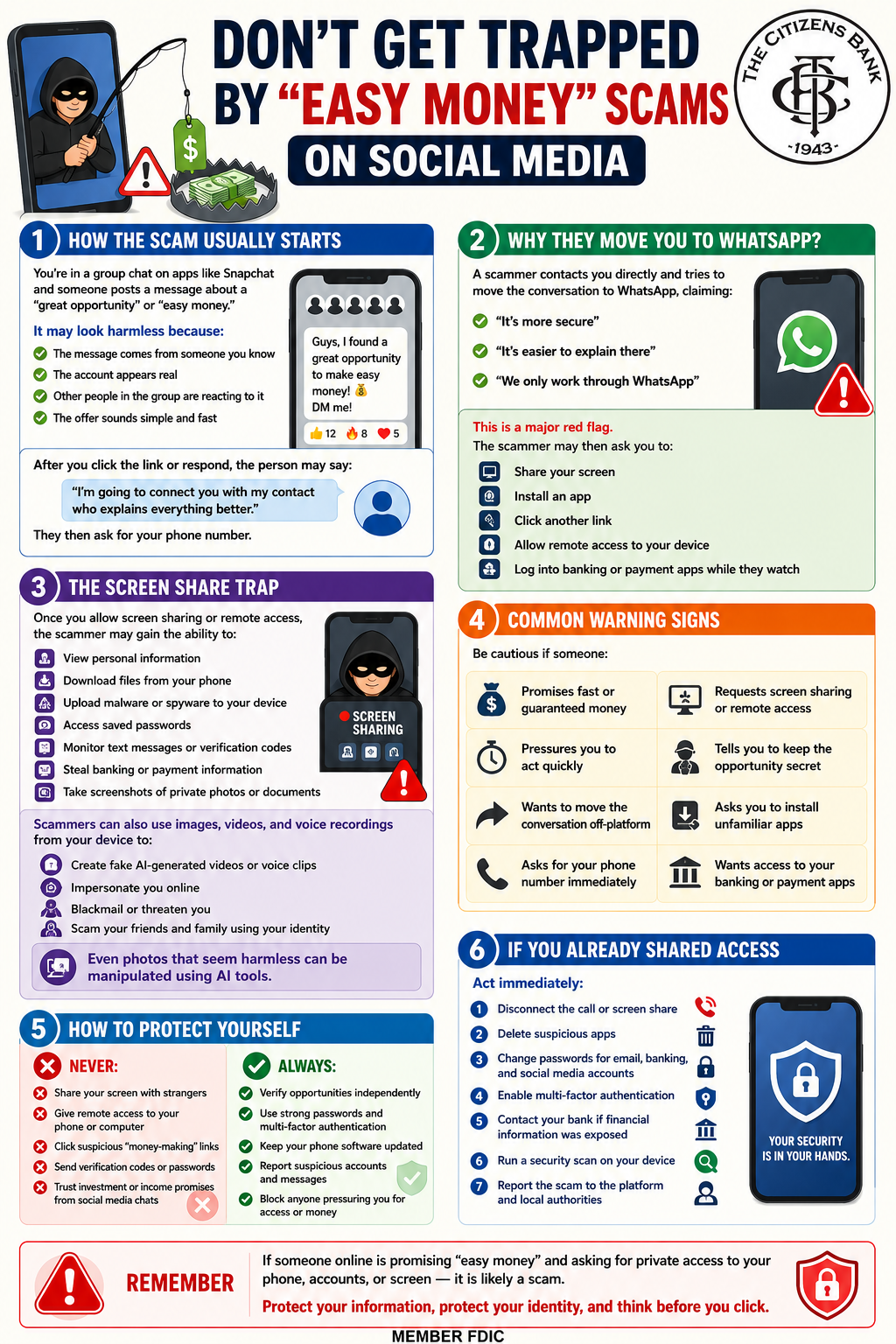
Don’t Get Trapped by “Easy Money” Scams on Social Media
How the Scam Usually Starts
You’re in a group chat on apps like Snapchat and someone posts a message about a “great opportunity” or “easy money.”
It may look harmless because:
- The message comes from someone you know
- The account appears real
- Other people in the group are reacting to it
- The offer sounds simple and fast
After you click the link or respond, the person may say:
“I’m going to connect you with my contact who explains everything better.”
They then ask for your phone number.
Why They Move You to WhatsApp?
A scammer contacts you directly and tries to move the conversation to WhatsApp, claiming:
- “It’s more secure”
- “It’s easier to explain there”
- “We only work through WhatsApp”
This is a major red flag.
The scammer may then ask you to:
- Share your screen
- Install an app
- Click another link
- Allow remote access to your device
- Log into banking or payment apps while they watch
The Screen Share Trap
Once you allow screen sharing or remote access, the scammer may gain the ability to:
- View personal information
- Download files from your phone
- Upload malware or spyware to your device
- Access saved passwords
- Monitor text messages or verification codes
- Steal banking or payment information
- Take screenshots of private photos or documents
Scammers can also use images, videos, and voice recordings from your device to:
- Create fake AI-generated videos or voice clips
- Impersonate you online
- Blackmail or threaten you
- Scam your friends and family using your identity
Even photos that seem harmless can be manipulated using AI tools.
Common Warning Signs
Be cautious if someone:
- Promises fast or guaranteed money
- Pressures you to act quickly
- Wants to move the conversation off-platform
- Asks for your phone number immediately
- Requests screen sharing or remote access
- Tells you to keep the opportunity secret
- Asks you to install unfamiliar apps
- Wants access to your banking or payment apps
How to Protect Yourself
Never:
- Share your screen with strangers
- Give remote access to your phone or computer
- Click suspicious “money-making” links
- Send verification codes or passwords
- Trust investment or income promises from social media chats
Always:
- Verify opportunities independently
- Use strong passwords and multi-factor authentication
- Keep your phone software updated
- Report suspicious accounts and messages
- Block anyone pressuring you for access or money
If You Already Shared Access
Act immediately:
- Disconnect the call or screen share
- Delete suspicious apps
- Change passwords for email, banking, and social media accounts
- Enable multi-factor authentication
- Contact your bank if financial information was exposed
- Run a security scan on your device
- Report the scam to the platform and local authorities
Remember
If someone online is promising “easy money” and asking for private access to your phone, accounts, or screen — it is likely a scam.
Protect your information, protect your identity, and think before you click.